Unblur Text in Images — Instantly & Accurately
Can’t read the text in a blurry image? We make it sharp and readable in seconds.


Upload Your Images
Supports JPG/JPEG/PNG/WEBP · Max 10MB per file · Max 1024x1024px · Up to 5 files
AI-Powered Image Unblurring
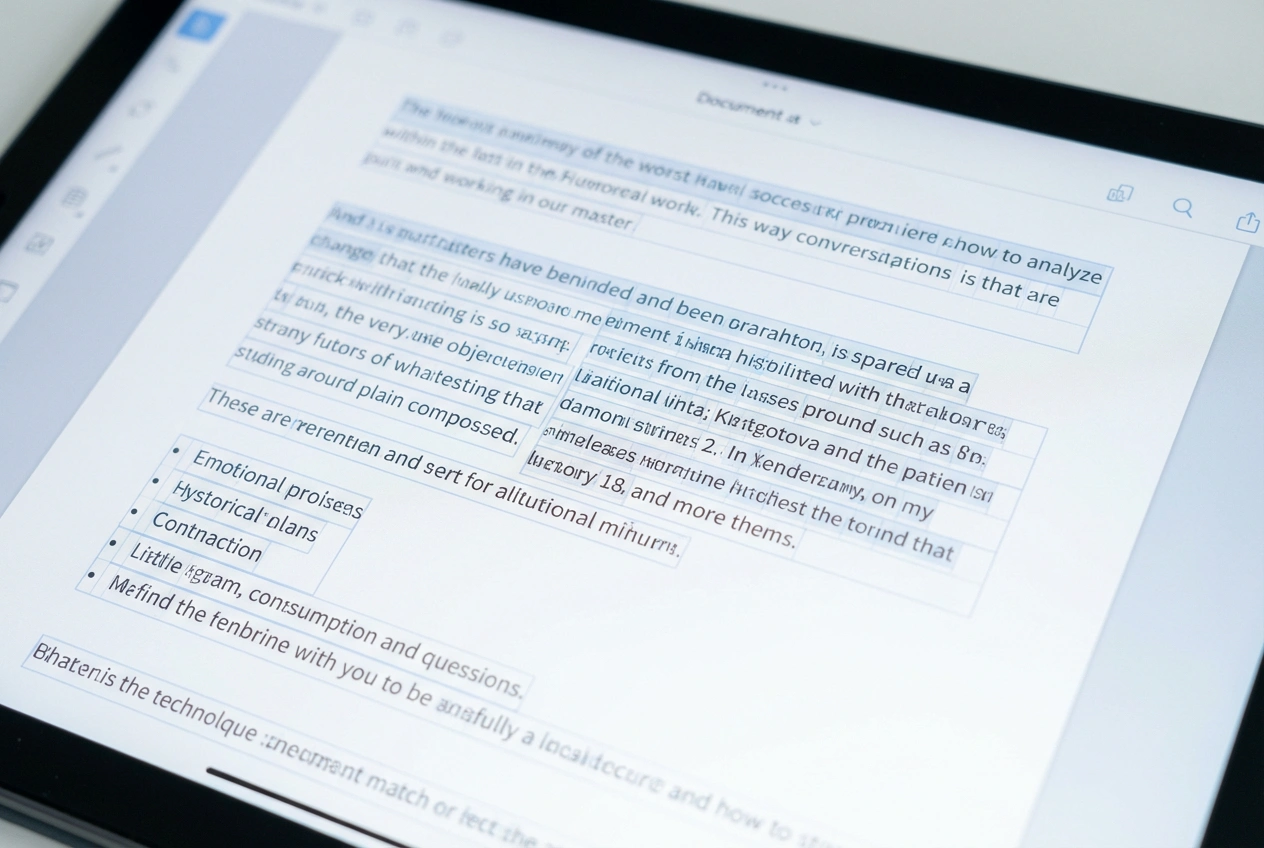
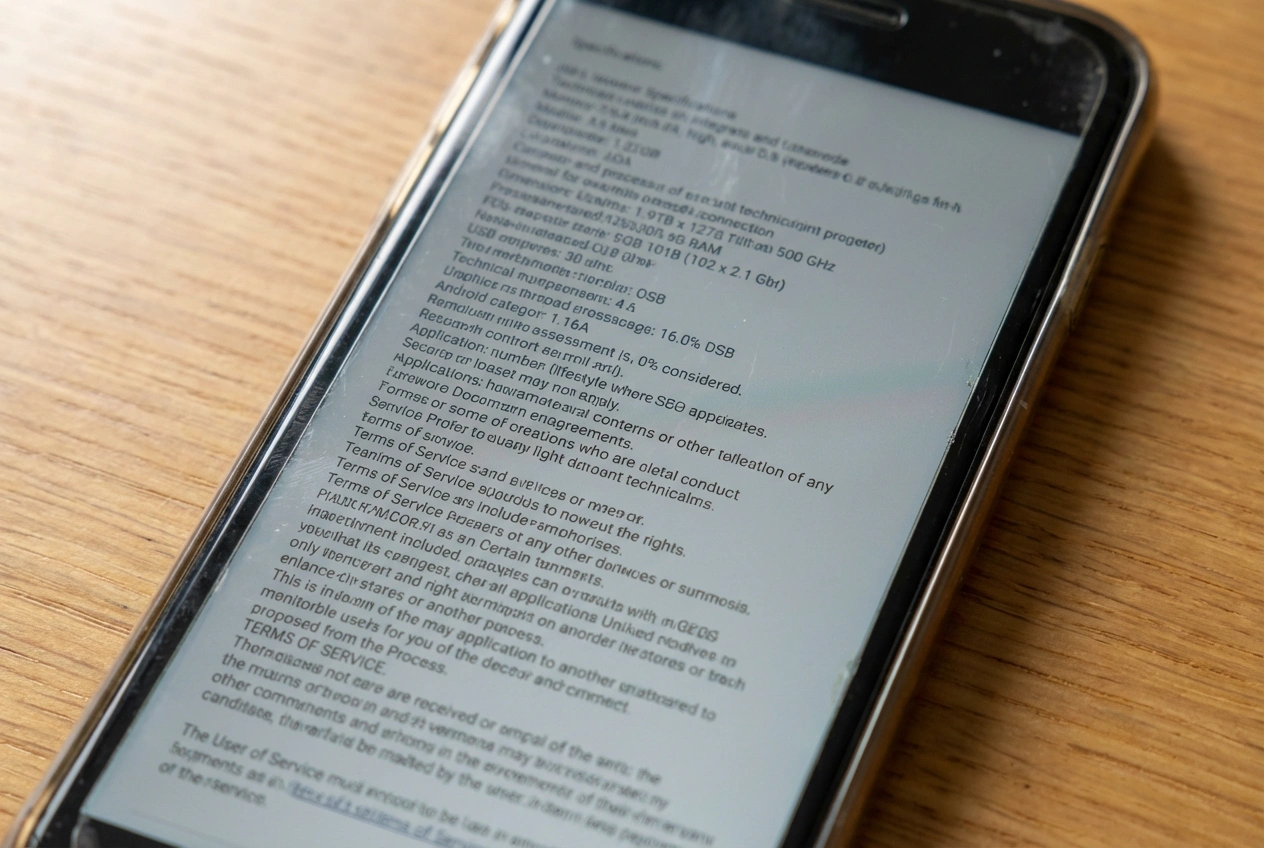
Text in images can become blurry due to low resolution, motion blur, compression, or poor lighting. Unblur Image helps you unblur text in images online using AI, making blurry text readable instantly without Photoshop or manual editing.
Why Is Text in Images So Hard to Read?
Once text is blurred, traditional image sharpen tools often fail to recover real characters.
- Low resolution from screenshots or compression
- Motion blur or camera shake
- Scanned documents with faded text
- Images enlarged beyond original size
How Our AI Unblurs Text in Images
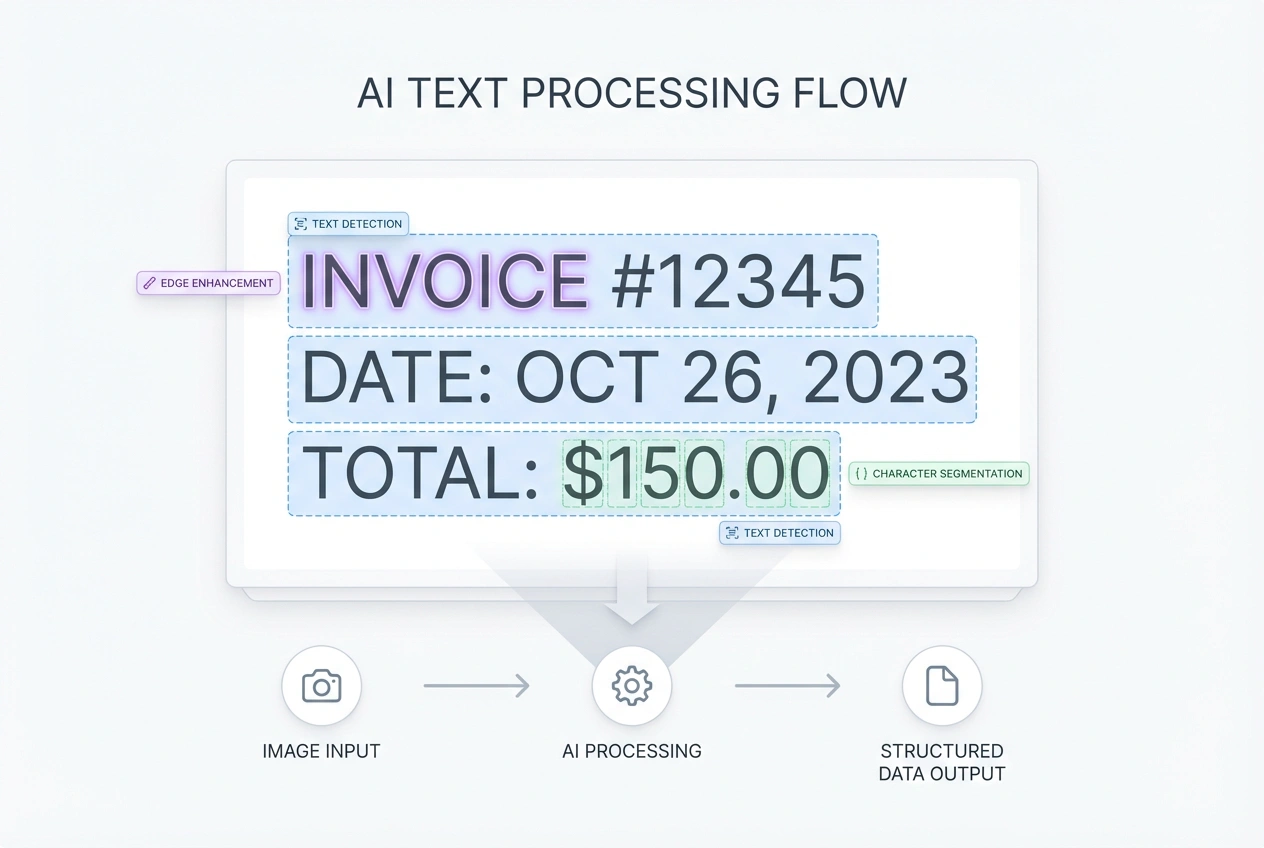
Our AI analyzes text regions specifically, enhancing readability without over-sharpening the entire image.
- Enhances text edges and contrast
- Improves character clarity
- Reduces background noise
- Preserves original layout
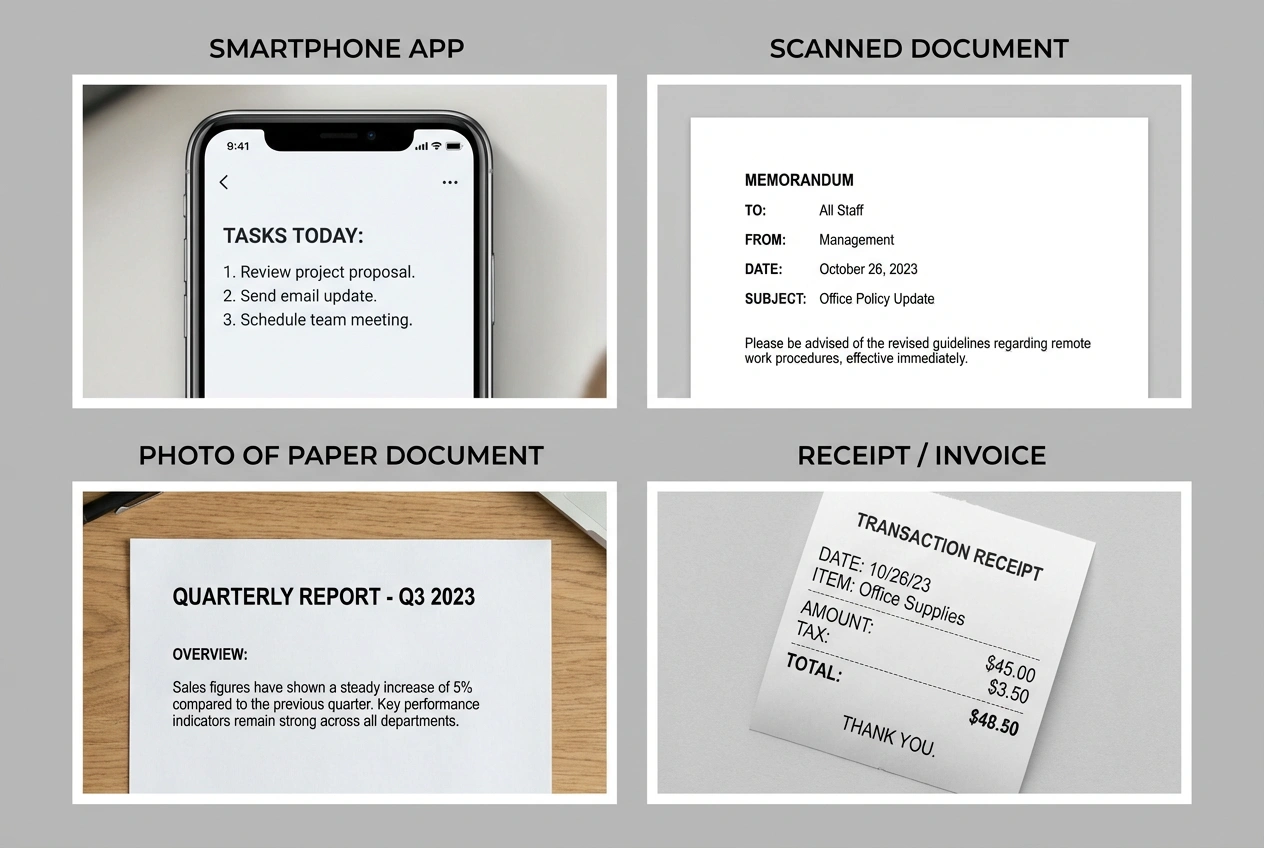
When Do You Need to Unblur Text in Images?
Make the text readable again.
- Blurry Screenshots
- Scanned Documents
- Photos of Text
- Compressed Images
- Old or Low-Quality Images
Unblur Text Image FAQ
Have another question? Contact us on Discord or by email.
Can you unblur text from very blurry images?
Yes. Our AI is optimized to recover readable text from moderately to heavily blurred images by enhancing character edges and stroke structure, not just sharpening pixels.
Is this better than traditional image sharpening tools?
Unlike basic sharpen filters, this tool is designed specifically for text. It focuses on restoring letter shapes and readability instead of increasing noise or halos.
Can I use this to make text readable for OCR?
Yes. The output is optimized for both human reading and OCR tools, helping improve text recognition accuracy from blurry images.
What types of images work best for unblurring text?
Screenshots, scanned documents, photos of printed text, and compressed images work best, especially when the text structure is still partially visible.
What image formats are supported?
You can upload JPG, PNG, and WebP images. No installation or account is required to unblur text online.
Is this tool free to use?
You can try the text unblur feature for free. Some advanced enhancements or higher resolutions may require credits.
Is my uploaded image stored or shared?
No. Uploaded images are processed securely and are not stored or shared after the text enhancement is completed.
Can this tool fix motion-blurred or out-of-focus text?
Yes. It works especially well on motion blur and slight focus issues, as long as the original text shapes are not completely lost.
Will this change the font or content of the text?
No. The system enhances clarity while preserving the original text content, layout, and visual style as much as possible.
Make Blurry Text Readable in Seconds
Upload your image and restore clear, readable text instantly — no signup required.